
PowerCut
Raw talking-head footage to a clean rough cut in minutes: silences, filler words and repeated takes removed, on-device. Free to try, $79 with 18 months of updates, or $149.95 for life.
 The Power Store
Native Mac apps and plugins that fix the tedious parts of editing: voice EQ, audio ducking, rough cuts, and skin smoothing, plus the complete Final Cut Pro masterclass.
Already a customer? Go to My Purchases to download your apps, find your license keys and watch the course, all in one place.
Every tool below installs in minutes, runs entirely on your Mac, and comes with a 7-day free trial. Try it in your own timeline before you buy.
Raw talking-head footage to a clean rough cut in minutes: silences, filler words and repeated takes removed, on-device. Free to try, $79 with 18 months of updates, or $149.95 for life.
 New
New
The Mac teleprompter that follows your voice: it listens as you speak and scrolls to keep you exactly on your marker.
Learn More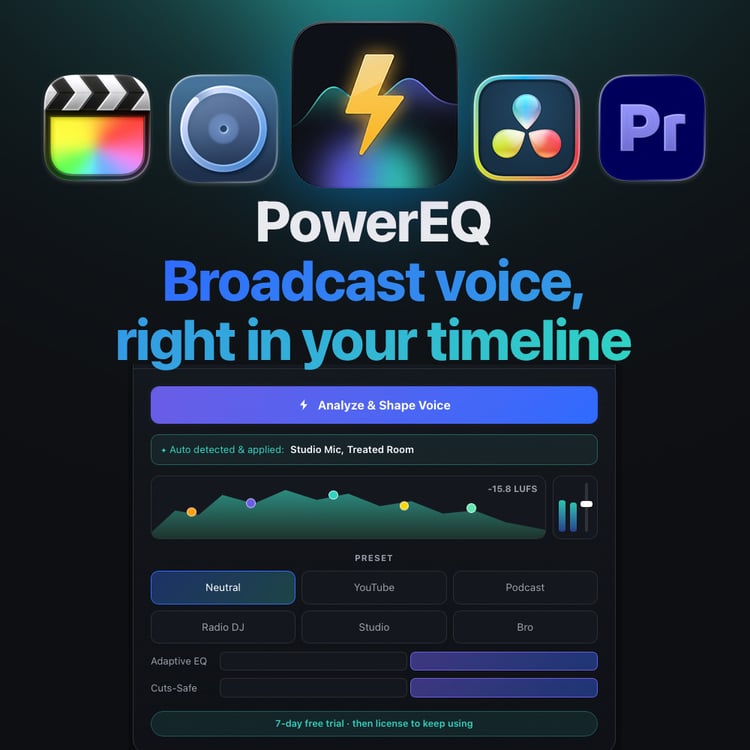
One-click broadcast voice as a plugin: auto-EQ running in real time right in your edit. VST3 & AU.
Learn More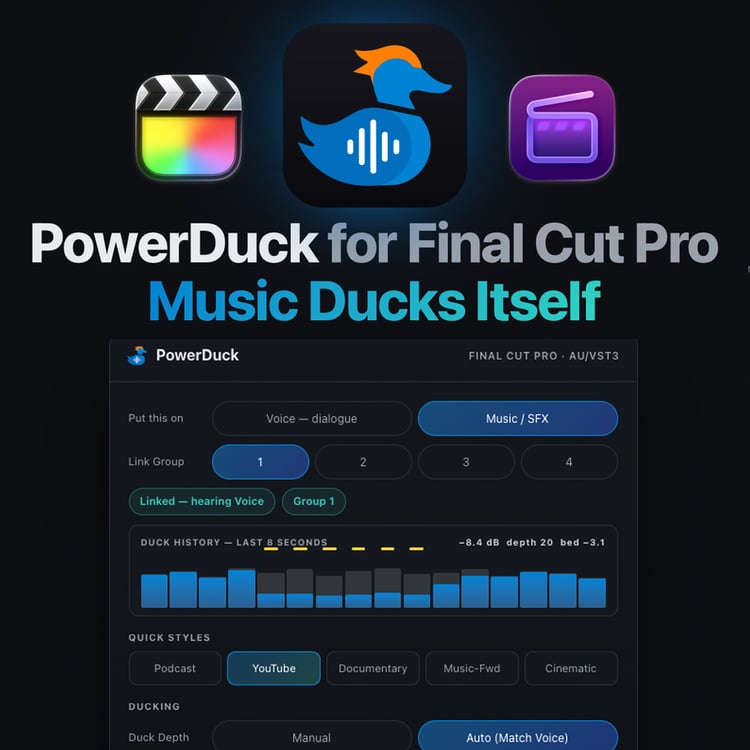
Real automatic audio ducking in Final Cut Pro. It stages your music bed and keeps every word of dialogue on top.
Learn More
The standalone Mac app: drop in any voice recording, pick a preset, and export polished, broadcast-ready sound.
Learn More New
New
Corrective, not generative: real skin smoothing from your actual footage, fully non-destructive. No AI ever touches your skin.
Learn More
24 editing tools and effects for Final Cut Pro: Power Cuts, Power Zooms and Power Moves in one bundle.
Learn More Course
Enhanced Editing: 76 lessons across 9 chapters, from the workspace to a finished export. Lifetime access, free updates, practice footage included.
Learn MoreMy camera LUTs, a rule of thirds overlay and keyboard shortcut presets for Final Cut Pro and Resolve. Free to download from my Payhip store.
 Free
Free
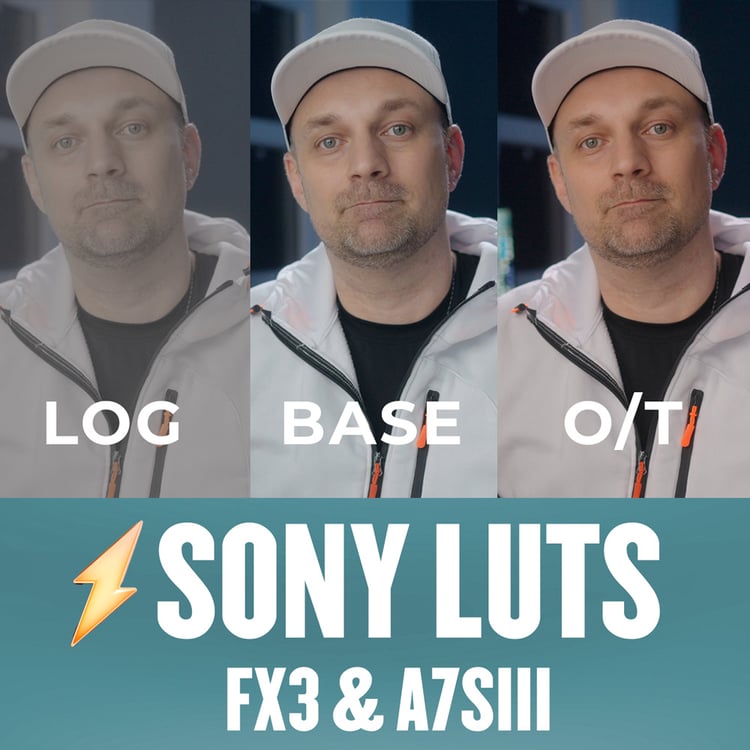
The LUTs I use with my Sony FX3. They work with A7S III footage too.
 Free
Free
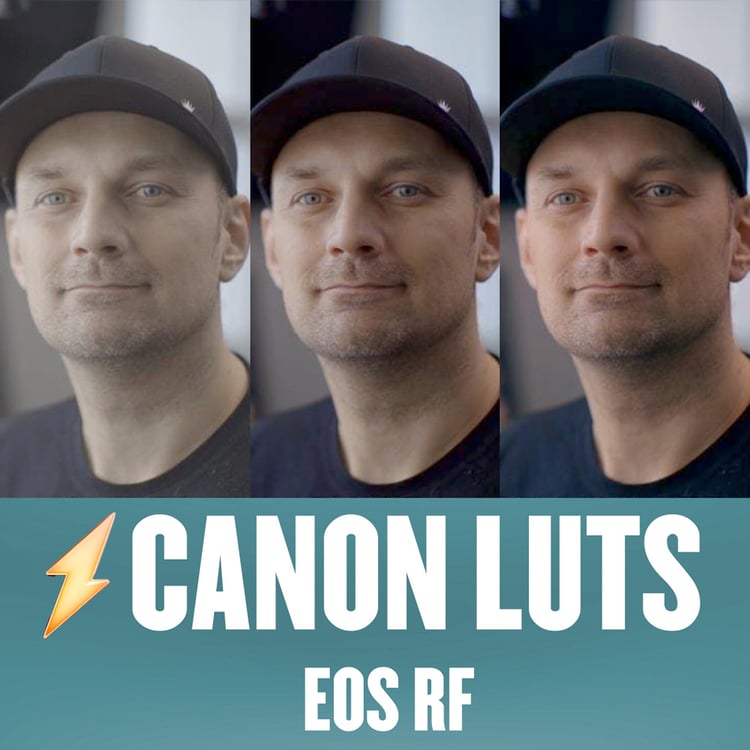
The LUT I use for C-Log footage from the EOS R, R6 and R5. Adjust the exposure to suit how you shot it.
 Free
Free
A transparent PNG rule of thirds grid to load as a custom overlay in Final Cut Pro.
 Free
Free
My keyboard shortcut presets for Final Cut Pro and DaVinci Resolve.
Share PowerCut, PowerCue, PowerEQ, PowerDuck, PowerSkin, Power Tools and the Enhanced Editing course with your audience and earn a commission on every sale through your link.